














 (+1) 905 597 5955




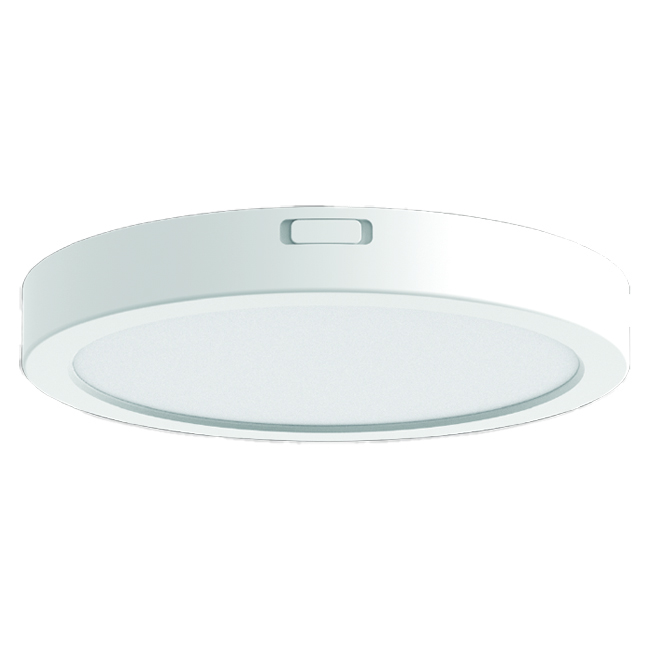
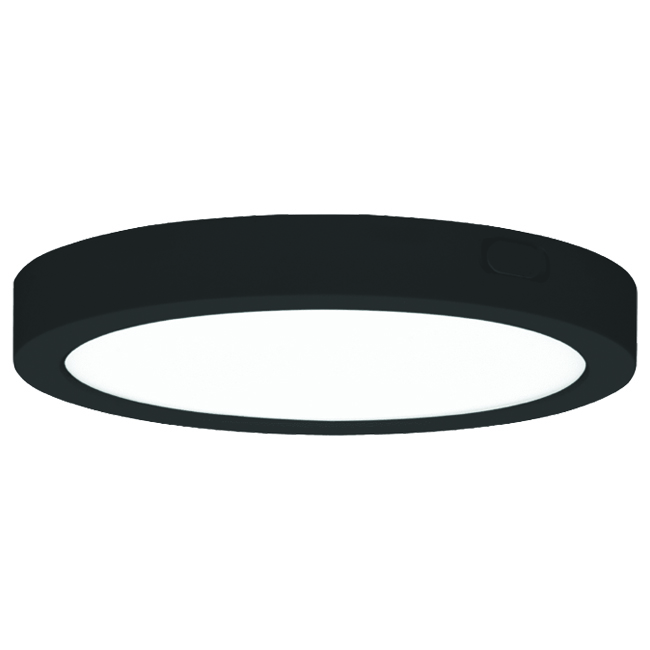





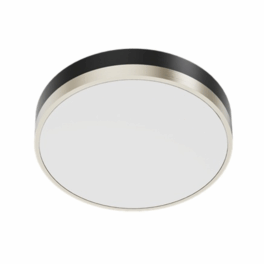
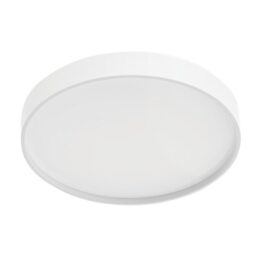
The 19" Slim Flush Mount is the largest fixture in Votatec's slim ceiling range, and it's 0.65 inches deep. One switch on the back sets 32W, 36W or 40W. A second sets 2700K, 3000K, 3500K, 4000K or 5000K.
Output runs to 3,600 lm with CRI above 90, a 120 degree spread and a power factor above 0.9 on 120V.
PS lens, white or black housing, cETL listed for damp locations, 5 year warranty.
Is it easy to replace a flush mount ceiling light?
On this one it's three steps. Screw the mounting plate to the existing outlet box, driving the screws right to the end of the box. Join supply to fixture with the supplied wire nuts, or push them into the Quick Connector, white to white and black to black. Then rotate and push the fixture onto the plate.
No screws pass through the trim, so the ceiling shows a clean 19 inch disc.
Do you need an electrician to fit a flush ceiling light?
For commercial or rental property in Canada, yes. The manual says it must be installed to the applicable code by someone familiar with the product and its hazards, using wiring supplies that meet the Canadian Electrical Code or the Quebec Electrical Code. Cut the power first. This is a hard-wired 120V connection, not a plug-in.
One part number, fifteen light settings
Two switches sit on the back of the housing. One picks the wattage, one picks the colour temperature. That's fifteen combinations from one SKU, so you stock a single line item and set the fixture on site. Set both switches before you mount it.
Votatec's test data records 3,649 lm at 2700K rising to 4,258 lm at 4000K at full power, with efficacy reaching 108 lm/W.
Will it fit your ceiling?
You need a clear 19 inch circle and 0.65 inches of depth. At 3.28 lbs it's light enough for a standard octagon box. It's rated for damp locations at IP44, so covered entries and bathrooms are fine, and it runs from -20°C to 40°C. Built-in 2.5kV surge protection is standard. Mount it horizontally or vertically. Pole and hanging wire accessories fit it if you'd rather suspend it.
For the mounting sequence, wiring colours and package contents, open the Manual (PDF) in the Related documents panel, and pull the IES file if your designer needs photometric data for the layout. Send us your fixture count and ceiling type and we'll come back with a wholesale quote and a code check on the circuit.